
improved
Performance
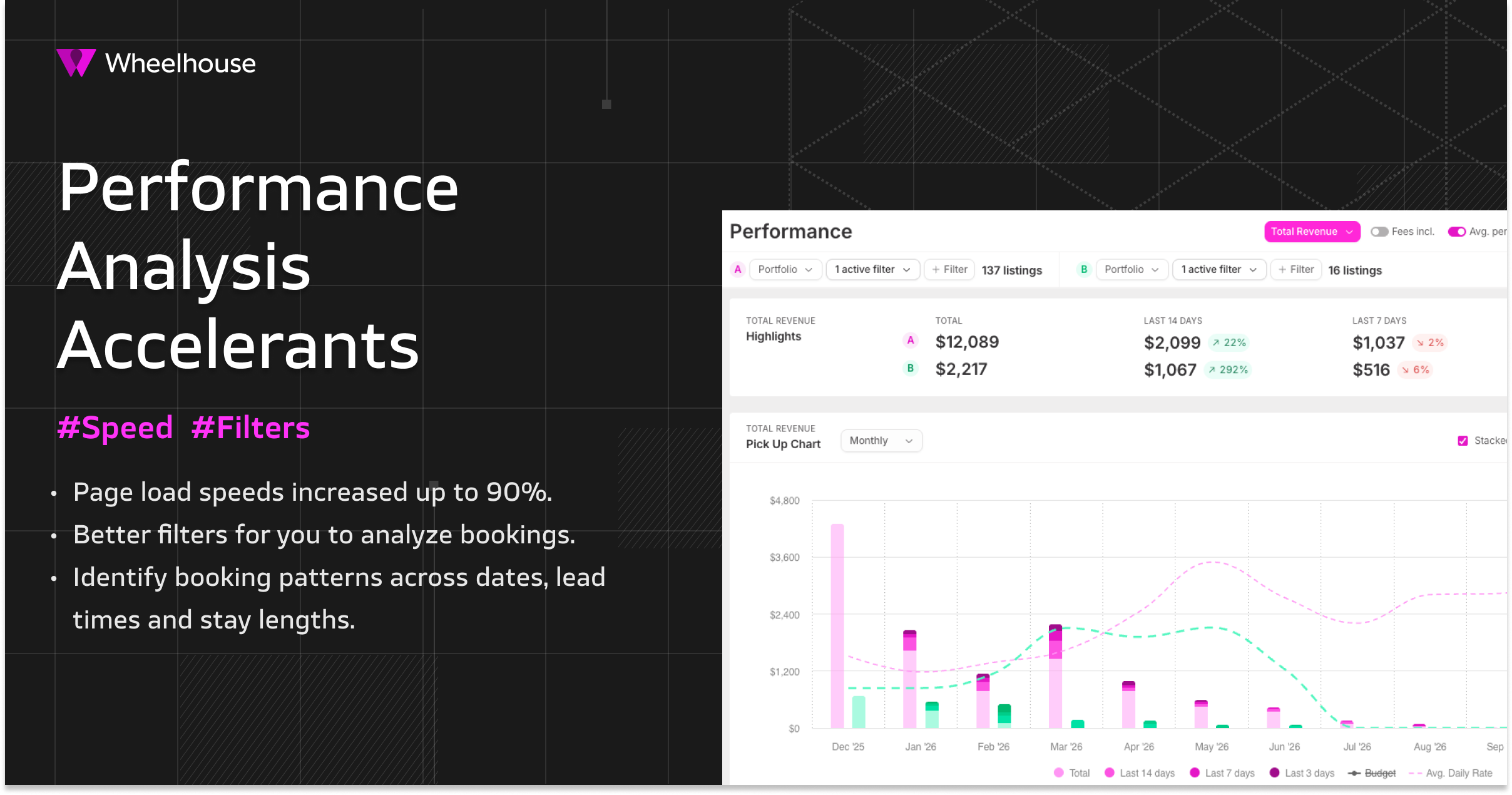
Faster Performance Page & Reservation Table Filters
TL;DR:
Your Performance page just got much faster
(up to 90%
🚄) and now includes powerful new filters
to help you analyze and edit your portfolio with more precision than ever.🚄 Accelerated Load Time
If you regularly use the Performance page, you’ll notice a
significant speed improvement
(80–90%
) right away.These optimizations dramatically accelerate:
- Initial page load
- Filtering and slicing data once loaded
That means less waiting—and faster answers—no matter how you analyze your portfolio.
🔍 New, Better Filters
As Wheelhouse power users know, the
Performance page
is your gateway to the Reservation Table
—a critical tool for advanced revenue analysis.You can use it to:
- Spot unusual or outlier bookings
- Understand where listings (or listing types) are clearing in a market
- Identify booking/pricing patterns across dates, lead times, and stay lengths
🔗
Want to go deeper?
Learn more about how to use your Reservation Table? Check out the “Identify” section of Wheelhouse’s RM Education Course!
LinkWith these new filters, all of those expert revenue management practices are going to be faster and more precise.
🪄 Date Range Filters
📽️ Timestamp: 0:40 (link)
We’ve added
multiple new ways to query date ranges
in your reservation data.These filters make it much easier to:
- Analyze performance across any custom time period
- Compare specific windows (events, seasons, promos, etc.)
- Quickly isolate trends without exporting data

🪄
Length-of-Stay Filters
📽️ Timestamp: 1:20 (link)
Easily analyze where bookings of different lengths are clearing.
Use these to:
- Understand snowbird or mid-length stay behavior
- See if longer stays are booking earlier or later than expected
- Validate LOS-based pricing strategies
🪄 ADR Filters
📽️ Timestamp: 1:40 (link)
Quickly understand
# where your listings are trading
.Helpful for:
- Identifying bookings below (or above) a target rate
- Spotting pricing leakage or underperforming inventory
- Comparing realized ADR across listings or groups